Fix Mojibake Fast: Convert Broken Encodings Online Now
Your workflow, your reading experience, and even your ability to copy and paste something basic are all disrupted when text becomes a jumble of question marks, boxes, or jumbled symbols. If you’ve encountered such jumble, you are aware of how annoying it can be. It’s known as mojibake. The good news is that you can fix it right away. You may quickly fix damaged characters and restore usable text without having to guess or type again using a trustworthy unicode text converter.
You’ll discover the causes of mojibake, quick fixes, and preventative measures below.
Why Text Breaks—and How You Can Fix It
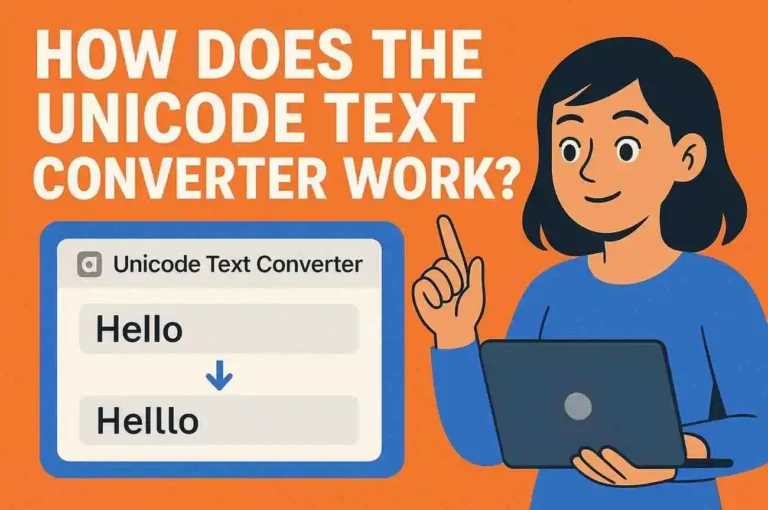
When a file or website uses one encoding but your device interprets it as another, mojibake typically shows up. Despite being a straightforward mismatch, the outcomes appear disorganized. You can quickly restore the correct characters by pasting the text into a converter rather than experimenting with different settings or manually changing symbols.
A trustworthy converter reconstructs the original text for you after identifying common encoding errors, such as UTF-8, Windows-1252, ISO-8859-1, and more.
How to Repair Broken Unicode Text Quickly
You don’t need technical skills. Just follow a clean, repeatable process:
- Copy the broken text exactly as it appears.
- Paste it into the unicode converter on UnicodeConverter.co.
- Run the conversion and let the tool detect the correct encoding.
- Review the restored text, making sure accents, Emoji, foreign letters, and symbols look right.
- Copy the fixed version and use it anywhere—emails, documents, web forms, research notes.
This approach works for everything from corrupted product listings to garbled academic citations.
When You’ll Use This Tool Most
You’ll find a unicode converter especially useful when:
Once you get familiar with the workflow, it becomes a go-to fix whenever text feels “off.”
Tips for Cleaner, More Reliable Text
A few habits help you avoid future headaches:
- When exporting files, choose UTF-8 whenever possible.
- If text looks broken, avoid editing it before converting—this keeps the original encoding intact.
- For multilingual content, always test how it appears across devices.
These small steps keep your text stable and save you from reformatting later.
Final Takeaway
You don’t have to wrestle with broken characters or manually guess what symbols were supposed to be there. With the right unicode text converter, you can repair mojibake instantly and keep your work clean, readable, and accurate. Whenever text breaks, you now have a simple, dependable fix.