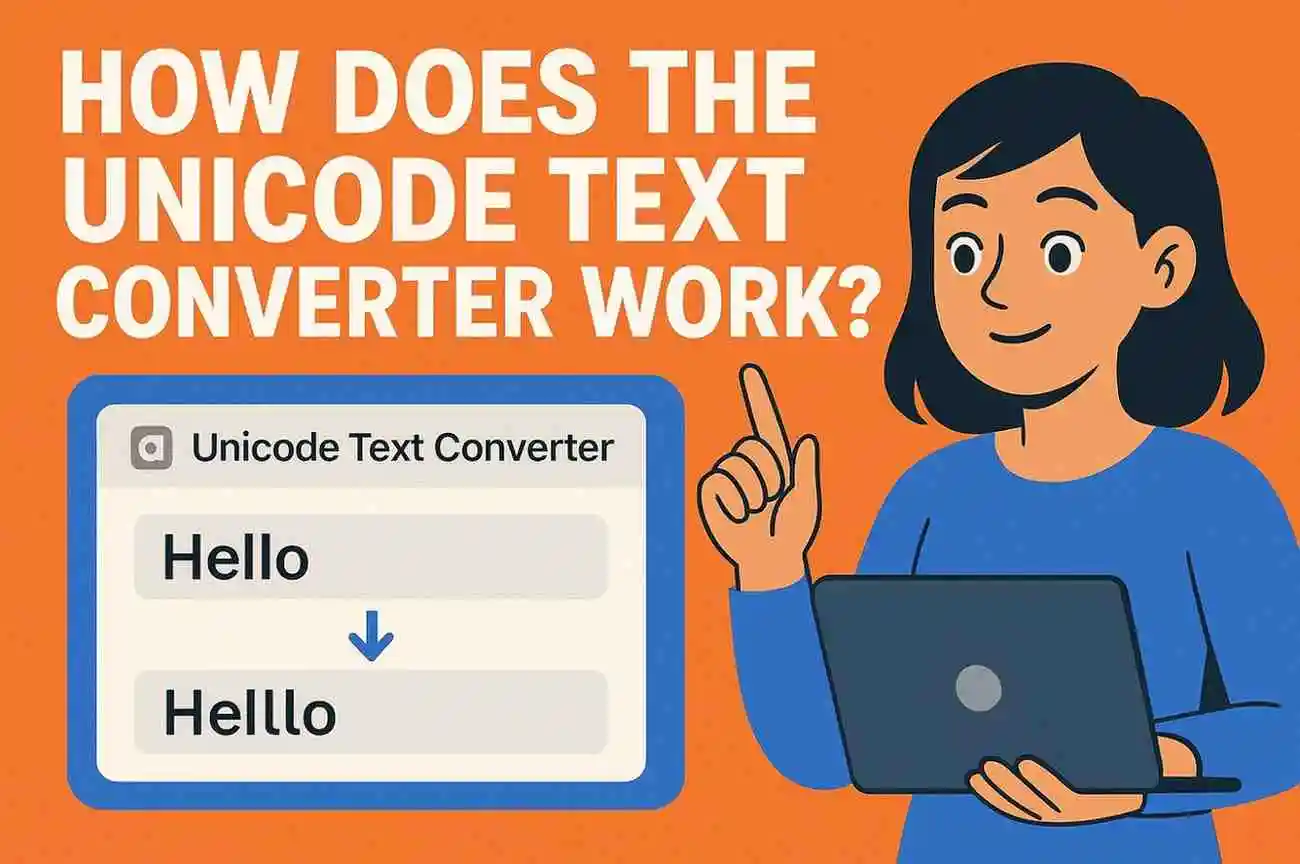
How Does the Unicode Text Converter Work?
When you first hear “Unicode Text Converter,” it can sound technical—but if you’ve ever wanted stylized text for gaming names, bios, captions, or social profiles, it’s exactly the tool you’ve been looking for. The challenge is simple: standard keyboards only give you one plain style. You want something unique, expressive, and eye-catching. That’s where a Unicode converter steps in.
Below, you’ll learn how it actually works behind the scenes and how you can use it to transform ordinary text into 70+ distinct styles without losing readability across platforms.
Why Unicode Is the Backbone of Stylish Text
Every letter you type has a corresponding Unicode character—a universal standard that makes text display consistently on almost every device, OS, and app. Once you understand this, everything about “text styles” starts to make sense.
Instead of drawing letters like images, a Unicode converter matches your input to alternative characters already built into the Unicode system.
So your normal “A” might turn into:
- 𝒜 (a script A)
- 𝔄 (a gothic A)
- 𝗔 (a bold A)
These aren’t images or fonts. They’re legitimate Unicode symbols, which is why they still copy-paste cleanly into games, social media, and apps.
How the Converter Transforms Your Text
Think of the converter as a smart switchboard:
- You type your text
Whether it’s a name, quote, or username, the tool scans each character. - It maps every letter to a matching Unicode variation
For each style, there’s a predefined “alphabet” of alternative characters. - It generates multiple styles instantly
Instead of one result, you get dozens — bold, italic, small caps, glitch, bubble, and more. - You copy the one that fits your personality
Because these are Unicode characters, they stay intact on platforms like Instagram, Discord, TikTok, and gaming overlays.
This approach keeps the tool fast, reliable, and incredibly flexible.
Tips for Choosing the Right Unicode Style
A stylish name should look good but also stay readable. Here’s what I usually recommend:
- For gaming names: Bold or glitch styles help your tag stand out.
- For Instagram/TikTok bios: Clean script or aesthetic fonts work better.
- For long sentences: Pick lighter styles so the text doesn’t feel overwhelming.
- Check compatibility: Some very decorative characters look different across old devices — test before using them everywhere.
A few seconds of experimenting usually gives you the perfect balance of style and clarity.
Why a Unicode Converter Is Better Than Custom Fonts
Traditional “fancy text generators” often rely on fake fonts or images that break on different platforms. Unicode avoids that headache completely.
You get:
In short, Unicode gives you style without sacrificing usability.
Final Thoughts
A Unicode Text Converter is not a magic wand; it is just a strong global character system that assists you in your self-expression in the forms that your keyboard was not intended to. As soon as you have gotten the mechanics of it, you will begin to experiment with the styles, and you will discover a combination that makes your names and bios look like they belong to you.