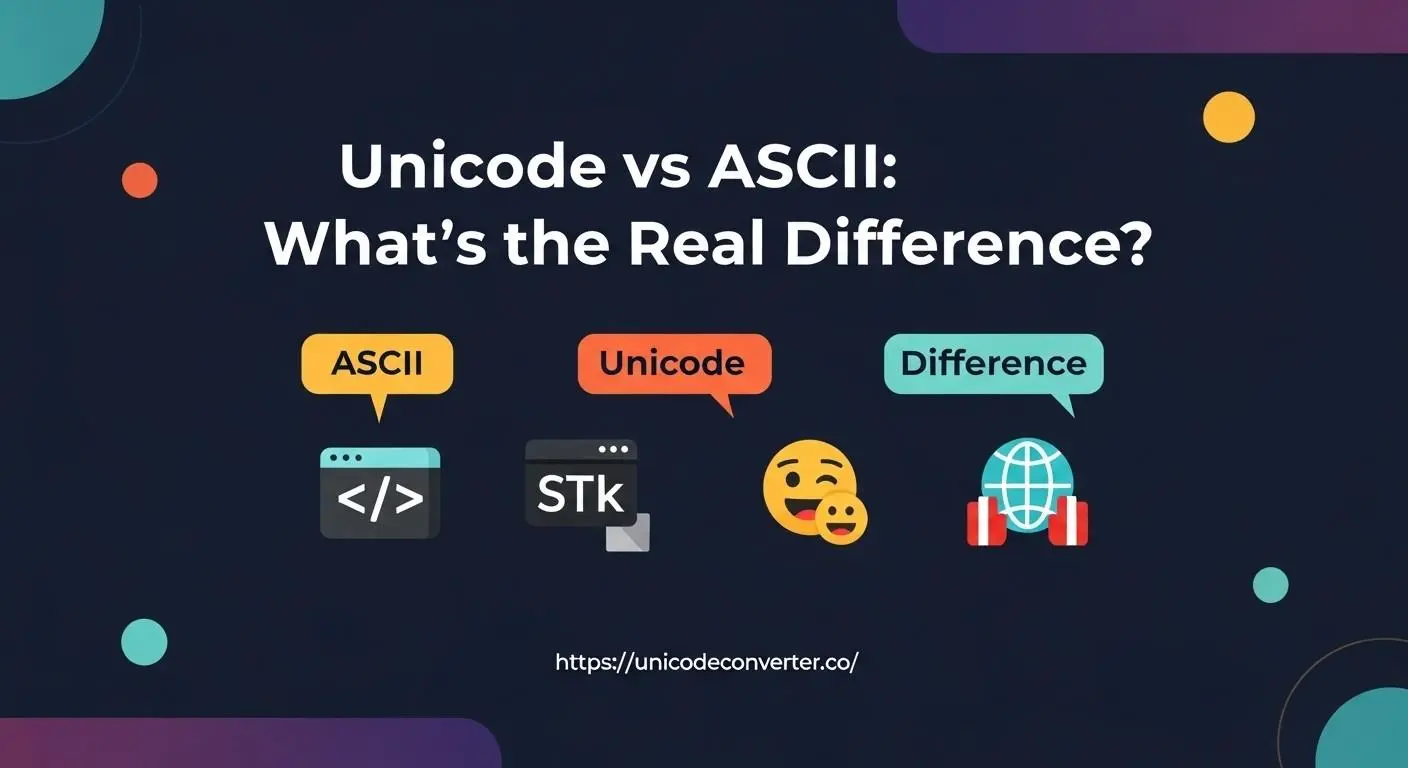
Unicode vs ASCII: What’s the Real Difference?
You immediately notice something odd when you begin working with text online, particularly symbols, emoticons, or multilingual information. Certain characters have flawless displays. Some shatter, become question marks, or don’t show up at all.
The distinction between ASCII and Unicode is typically the main cause of that dependability disparity.
You’ll know precisely why some characters don’t work and how to use tools like a Unicode text converter once you comprehend how these two systems operate.
Why ASCII Feels Limited Today
ASCII was built decades ago for a much simpler digital world. It gives you 128 basic characters—letters, numbers, and a handful of symbols.
If you write only in English, it feels fine… until the moment you need something like “é”, “★”, or “✓”. ASCII simply can’t represent them.
This is why websites break when text leaves ASCII’s tiny box. It wasn’t designed for global communication or modern digital expression.
How Unicode Fixes the Problem
Unicode adopts a different strategy. It provides each character on the globe a distinct code point rather than restricting you.
Emojis, math symbols, languages, and arrows can all be handled by Unicode.
You are no longer battling your browser or text editor. Since everything has a consistent identity, everything appears as you expected.
The Real Difference
Here’s the clearest way to think about it:
- ASCII: One neighborhood with 128 houses.
- Unicode: A global city with space for millions of characters.
ASCII is fast and lightweight, but it stops being useful the moment your content becomes diverse. Unicode is universal, reliable, and built for the modern web.
When You Should Use Unicode
If your text includes:
- Accents or diacritics
- Emoji
- Mathematical symbols
- Multilingual content
- Special formatting characters
…then Unicode is the safe choice every time.
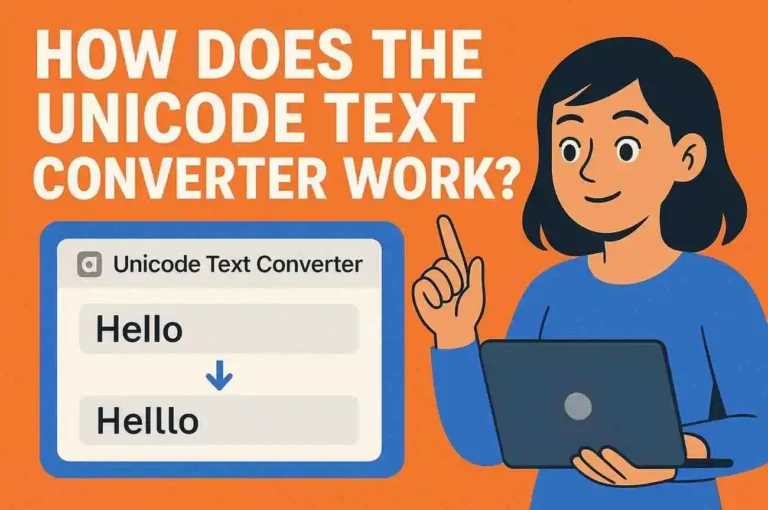
This is why tools like a Unicode text converter exist—they ensure your characters are encoded cleanly, without breaking when moved between apps, browsers, or platforms.
Practical Tips for Working with Unicode
These small habits save you from hours of debugging broken characters.
Final Thoughts
Once you see the difference, it’s obvious why Unicode became the global standard. It gives you freedom, consistency, and confidence that your text will appear exactly as you crafted it—no surprises.
If you work with symbols, multilingual text, or anything beyond basic English, using Unicode isn’t just smart—it’s essential.