Why You Need Preeti to Unicode Converter for Nepali Content
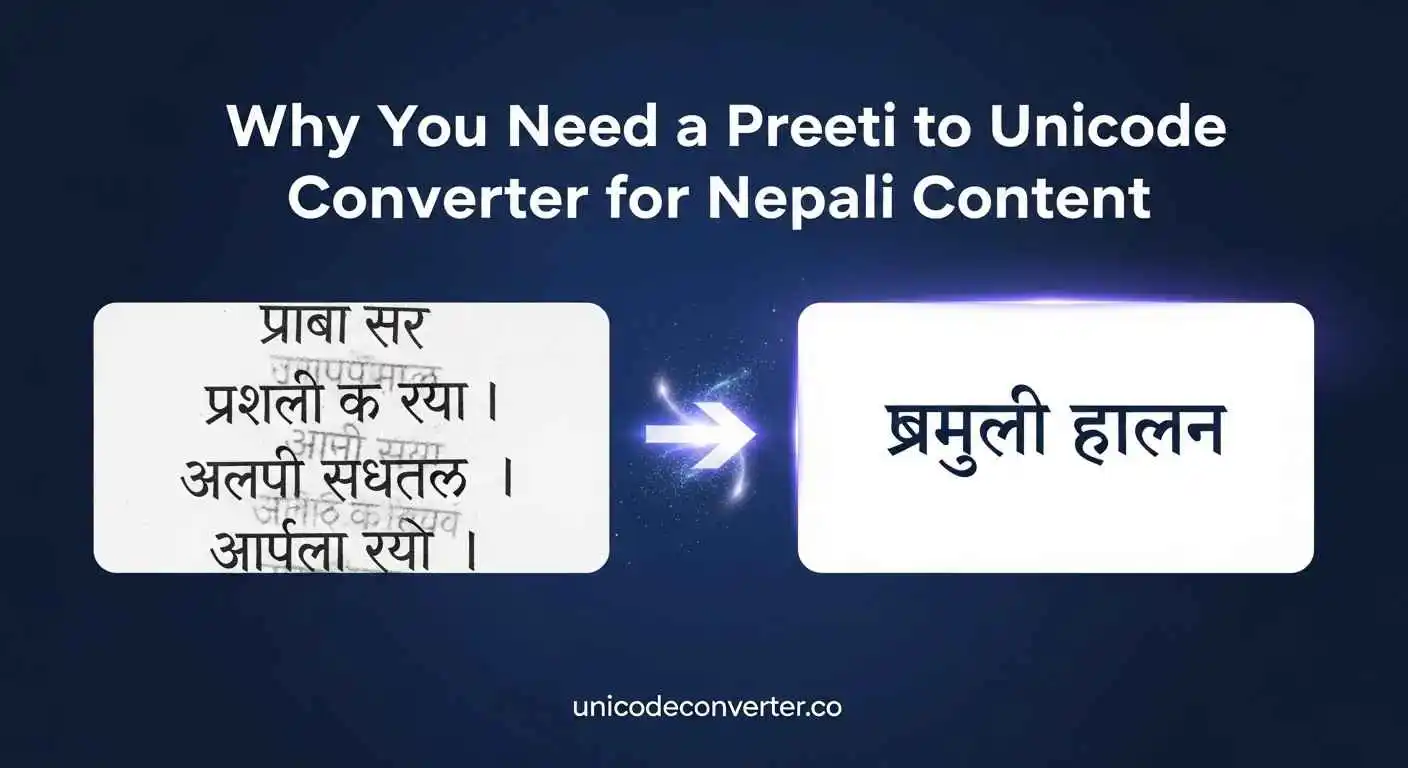
If you have ever worked with Nepali language online, you are already aware of the difficulty: official forms, books, resumes, and older papers are frequently typed in the Preeti typeface, while the current web only uses Unicode. That gap results in incomprehensible writing, broken characters, and hours of manual correction. That frustration is immediately removed by a trustworthy Preeti to Unicode Converter, freeing you from technical obstacles to concentrate on producing and disseminating information. You’ll learn why this tool is important and how it improves the caliber, precision, and audience of your Nepali writing in this book.
Why Preeti Doesn’t Work Online Anymore
Although Preeti worked effectively for us in the early days of digital technology, it was never designed with search engines or cross-platform usability in mind. The characters lose their structure when you put Preeti text into an application or website because the system is unable to identify them. This implies that Google won’t index your information, it won’t appear properly, and it won’t be searchable.
Unicode fixes all of that. It gives each Nepali character a universal code, ensuring your text looks the same everywhere—from mobile screens to high-end publishing tools.
Why a Converter Makes Your Work Faster and Cleaner
A good converter does more than switch characters. It saves you from tedious, error-prone manual typing. Whether you’re preparing articles, government forms, academic papers, or website content, the tool keeps the original meaning intact while converting everything into clean, readable Unicode.
You save time.
You avoid mistakes.
And you ensure every platform can properly display your work.
For people managing large batches of older documents, this is a game-changer.
How to Use a Preeti to Unicode Converter Effectively
You don’t need technical skills. Just follow a simple flow:
- Copy the Preeti text from your source.
- Paste it into the converter box on unicodeconverter.co.
- Review the output to ensure the words match the original meaning.
- Paste the converted text into your document, website, or CMS.
A quick tip: if the original Preeti file was typed with inconsistent spacing or outdated typing habits, fix those small issues before you convert—your result will be cleaner.
Why This Matters for Writers, Students & Businesses
If you create Nepali content—blogs, official letters, social posts, or educational material—Unicode is the foundation of professional-quality writing today. Search engines prefer it, readers trust it, and every modern device supports it.
Having a fast, accurate Preeti to Unicode converter in your workflow keeps your content future-proof and accessible to anyone, anywhere.
Conclusion
A Preeti to Unicode Converter is not only useful, but necessary when your job requires clarity and digital compatibility. Without requiring further work from you, it guarantees that your Nepali content is legible, searchable, and prepared for today’s platforms.